-
Shop
- Adidas
- Advanced Technologies
- Auto
- Back to School
- Best-Sellers
- Car Accessories
- Dating & Social Skills
- Education & Learning
- Family & Parenting
- Fashion
- Alexander McQueen
- Balenciaga
- Belts
- Blazers
- Bottega Veneta
- Brunello Cucinelli
- Burberry
- Chanel
- Chloé
- Dior
- Dolce & Gabbana
- Etro
- Fendi
- Gucci
- Hoodies & Sweatshirts
- Jacquemus
- Jil Sander
- Jimmy Choo
- Kiton
- Luggage
- Miu Miu
- Off-White
- Outerwear
- Prada
- Rick Owens
- Saint Laurent
- Sweaters & Cardigans
- The Row
- Tom Ford
- Tops & Shirts
- Umbrellas
- Valentino
- Valentino Garavani
- Versace
- Vivienne Westwood
- Fashion Accessories
- Gadgets
- Gifts
- Health & Beauty
- Health & Wellness
- Home & Garden
- Home Supplies
- Kids & Babies
- Kitchen
- Nike
- Outdoor Fun
- Patio, Lawn & Garden
- Personal Growth
- Pet Care
- Pet Supplies
- Pets
- Sport & Outdoors
- Summer 2025 Fashion Collection
- Summer Fashion
- Summer Food & Drinks
- Super Deals
- Travel
- Travel Gear
- Wealth
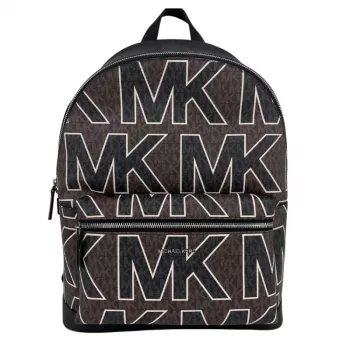
Michael Kors Brown Logo Backpack: Laptop-Ready Style
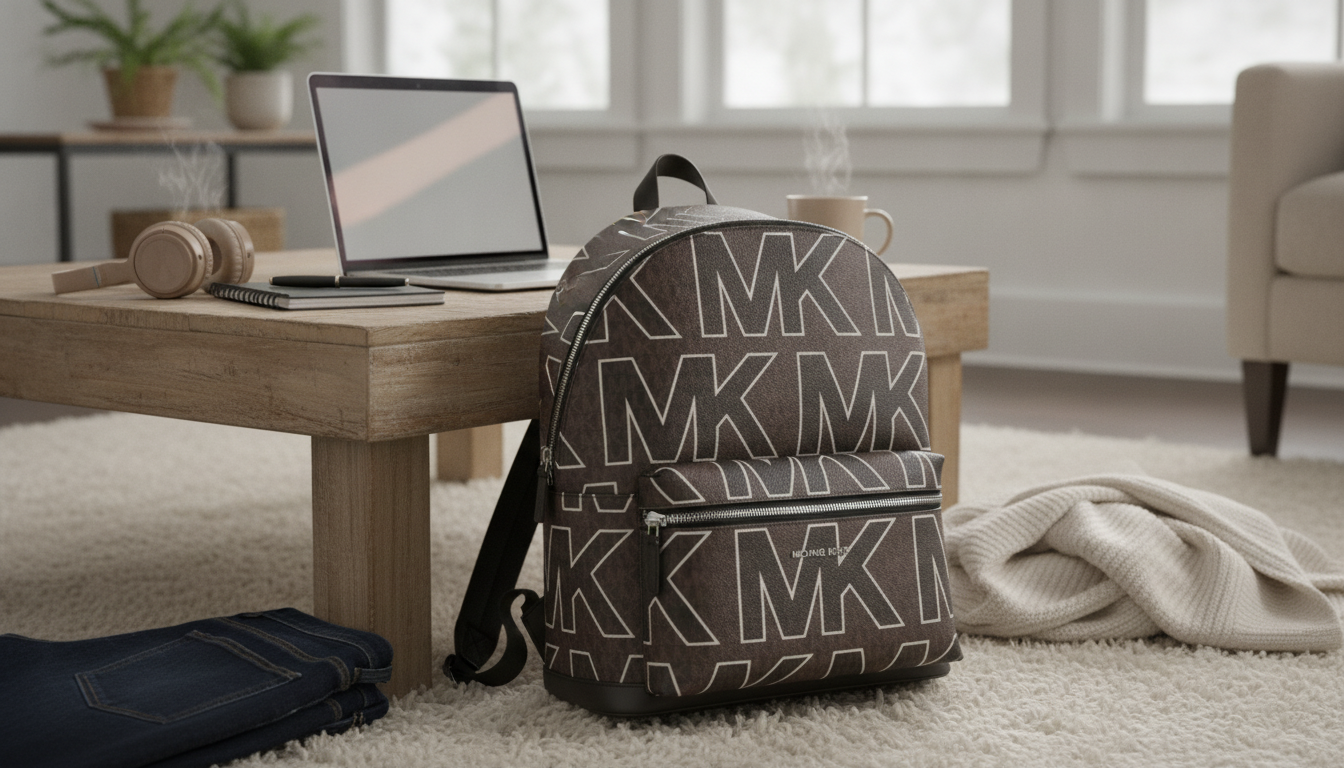
Michael Kors Brown Graphic Logo Large Backpack with Laptop Compartment: Polished, Practical, and Ready for Busy Days
A logo-print backpack can look sharp without feeling flashy—and this Michael Kors brown graphic logo large backpack with a laptop compartment is designed to do exactly that. The brown palette keeps it versatile for everyday wear, while the dedicated tech space and organized interior make it a strong option for commutes, campus schedules, and travel days where a hands-free carry matters.
At a Glance
- Logo-forward design in a versatile brown palette that pairs easily with neutral and denim-heavy wardrobes
- Dedicated laptop compartment to separate tech from accessories and small items
- Backpack format for hands-free commuting, travel days, and campus routines
- A structured look that works for casual outfits and smart-casual settings
Quick Details to Check Before Buying
| Detail | What to look for | Why it matters |
|---|---|---|
| Laptop fit | Device dimensions vs. compartment space | Avoids tight zips, corner pressure, and screen stress |
| Capacity | Room for charger, bottle, and a light layer | Determines whether it works for commutes or day trips |
| Straps & carry comfort | Adjustability and padding | Reduces shoulder strain when carrying tech |
| Pocket layout | Interior and exterior organization | Keeps keys, wallet, and small items reachable |
| Material & finish | Coated canvas/leather trims (varies by model) | Affects wipe-clean ease and wear over time |
Design and Everyday Use
- Graphic logo styling creates a recognizable designer look without relying on bright colors
- Brown tones tend to hide minor scuffs and dust better than very light finishes
- A structured profile helps the bag keep its shape on transit or when set down
- Works as a daily bag for office commutes, errands, and travel connections where a tote feels bulky
For day-to-day styling, the brown logo print reads refined rather than loud—especially when paired with simple staples like dark denim, a white tee, or a neutral coat. The structured silhouette also helps the backpack look intentional even when it isn’t fully packed, which is useful for those in-between days when you’re carrying tech but not much else.
Laptop Compartment: Fit, Protection, and Setup
- Measure the laptop (width × height × thickness) and compare with the backpack’s listed compartment size on the product page
- For extra protection, add a slim sleeve—especially for thin aluminum laptops that can dent on corners
- Pack heavy items (charger, power bank) toward the center to reduce edge pressure on the laptop
- Keep liquids in a sealed pocket or separate pouch to protect electronics
A quick measurement check is more reliable than going by “13-inch” or “15-inch” labels alone. Two laptops with the same screen size can have very different body dimensions, and a snug compartment can create pressure at the corners—particularly when the bag is full. If the backpack’s compartment is close to your laptop’s dimensions, a thin sleeve can add scratch protection without making the fit too tight.
Organization and What It Can Carry
- Use separate zones: laptop area for tech, main area for bulkier items, smaller pockets for quick-grab essentials
- Typical daily carry: laptop, charger, notebook, sunglasses case, small pouch, and a water bottle depending on interior layout
- For travel days, keep passport/ID and phone in the easiest-access pocket and avoid overfilling exterior compartments
- If carrying cosmetics or toiletries, use a zip pouch to prevent liner staining
Packing Guide (Example Loadouts)
| Scenario | Core items | Optional add-ons |
|---|---|---|
| Work/commute | Laptop, charger, notebook, keys, wallet | Lunch container, small umbrella |
| Campus | Laptop, folders, pens, earbuds | Tablet, light sweater |
| Day trip | Laptop or tablet, power bank, sunglasses | Camera, travel-size toiletries pouch |
For smoother everyday use, treat the backpack like a small system: tech stays in its lane, bulkier items go in the main compartment, and essentials you reach for often (keys, lip balm, transit card) live in the same pocket every time. That simple habit reduces “bag digging” during crowded commutes and makes it easier to spot-check what you’re carrying before leaving a café or gate area.
Comfort and Carry for Longer Days
Styling Ideas
Care and Maintenance
For brand-specific material guidance, it can also help to review care notes from the maker. The official Michael Kors site is a good reference point for general material and collection details.
When This Backpack Is the Right Choice
If this backpack is joining you on flights, double-check your airline’s personal-item size rules and keep essentials easy to access for screening. The TSA carry-on guidance is a helpful baseline for planning what stays reachable while moving through security.
Complete-the-Look Picks (In Stock)
- Chic Cow Leather High Heel Ankle Strap Sandals for Women – Summer Party Style (great for smart-casual plans after the office)
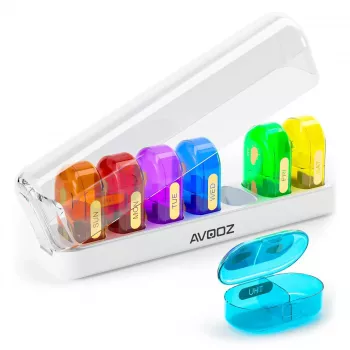
- Weekly AM PM Pill Organizer with 14 Large Compartments (an easy add for travel organization and daily routines)
- Electric Vacuum Cupping Massage Set for Anti-Cellulite Therapy (a self-care option for at-home recovery days)
FAQ
What laptop size fits in the laptop compartment?
Measure your laptop’s width, height, and thickness, then compare those numbers to the compartment measurements listed on the product page. Screen size alone (like 13–15 inches) can be misleading because the body size varies by model and bezel style.
Is this backpack good for commuting and travel?
Yes—its backpack format supports hands-free carry, and the laptop compartment helps keep tech separated from daily essentials. For travel, keep ID, phone, and tickets in the easiest-access pocket and confirm the bag’s measurements match airline personal-item limits.
How should a logo-print backpack be cleaned?
Use a soft, slightly damp cloth for regular wipe-downs and avoid harsh chemicals that can dull coated finishes. Let it air-dry naturally and store it lightly stuffed to help the backpack keep its structured shape.
Recommended for you
Was this article helpful?
Yes
No








Leave a comment